Using the programs across year groups
The nine programs are designed to be combined and sequenced rather than chosen in isolation. Most schools run two or three across different year groups, building from structured, guided activity in the middle years towards more independent project work higher up the school.
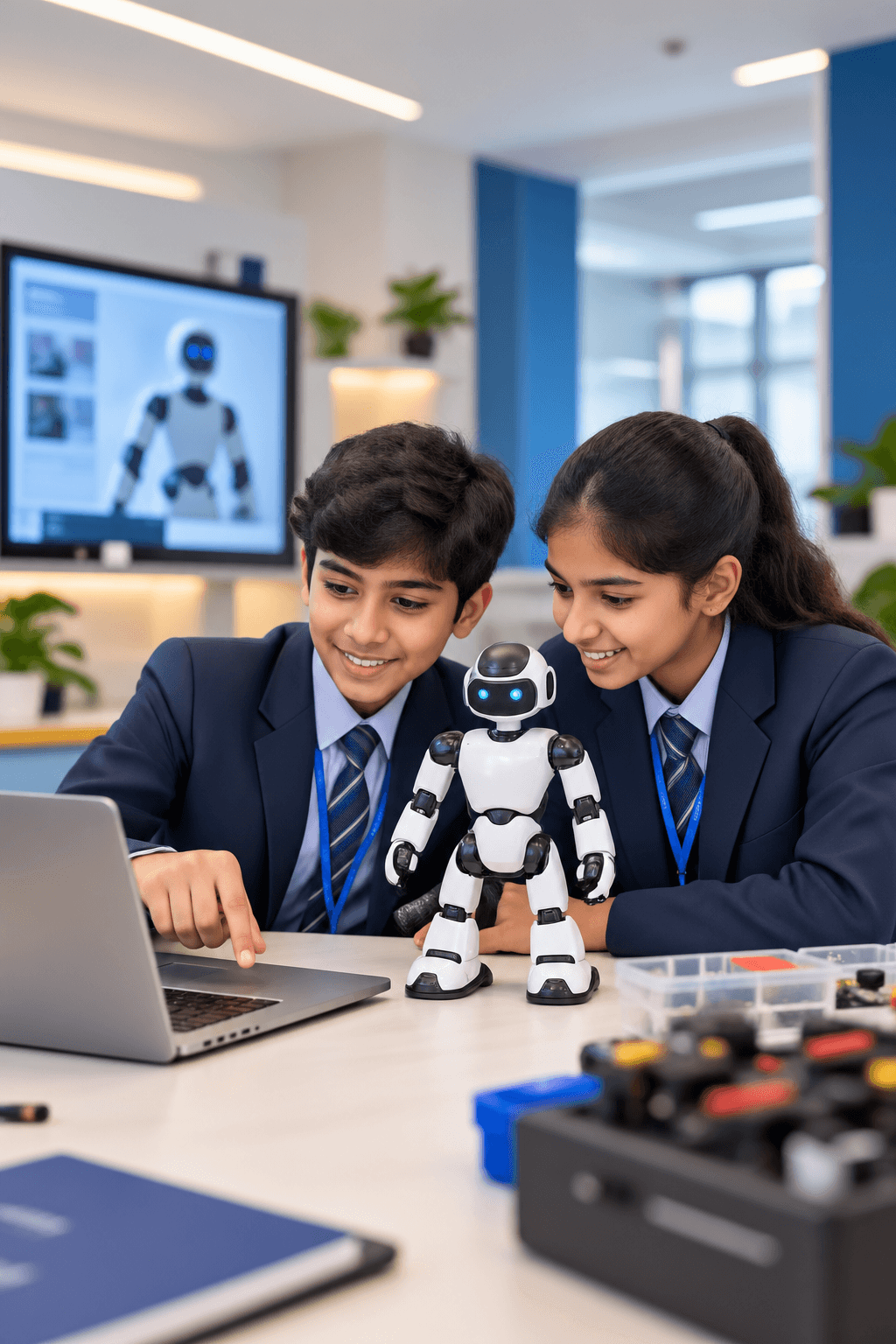
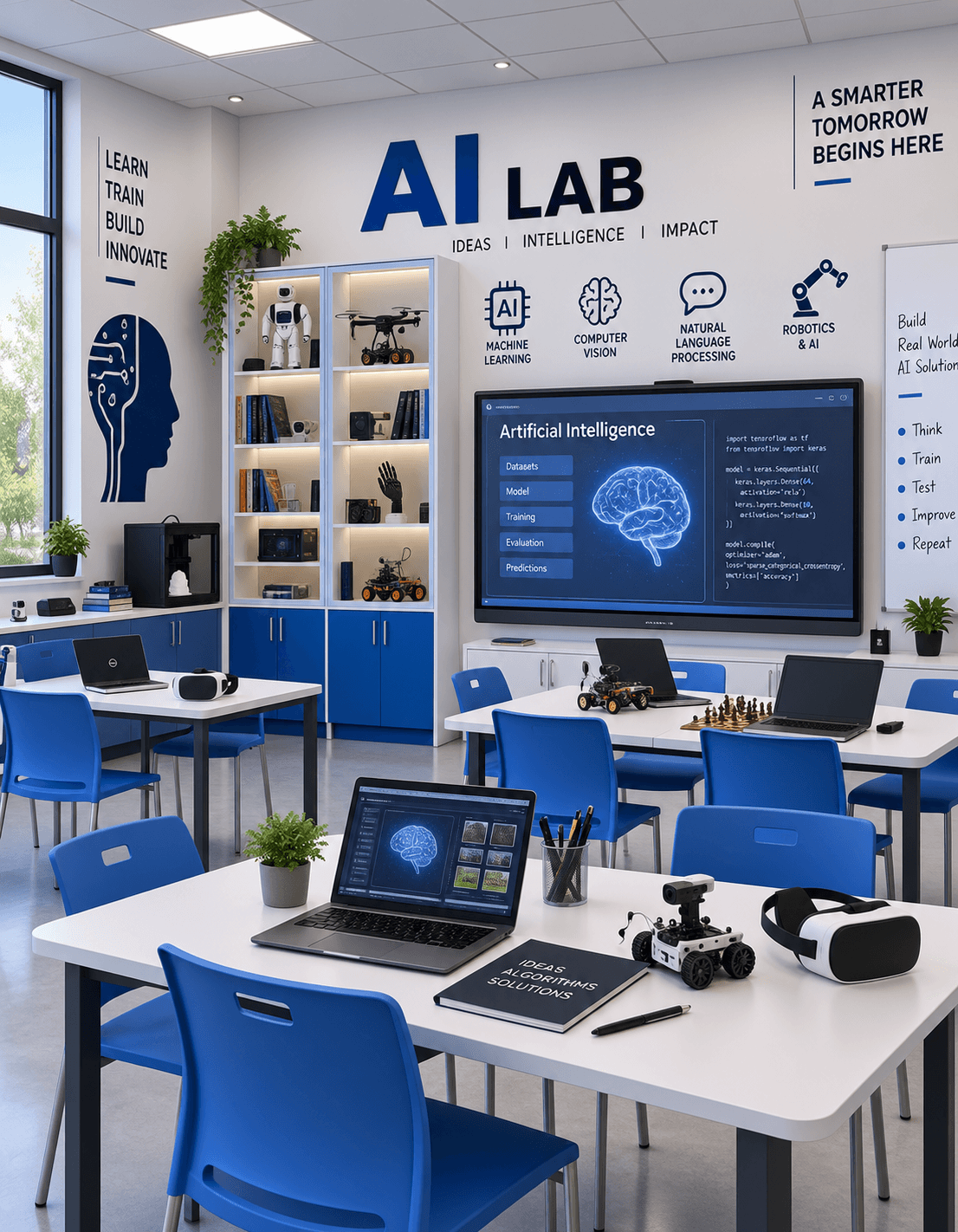
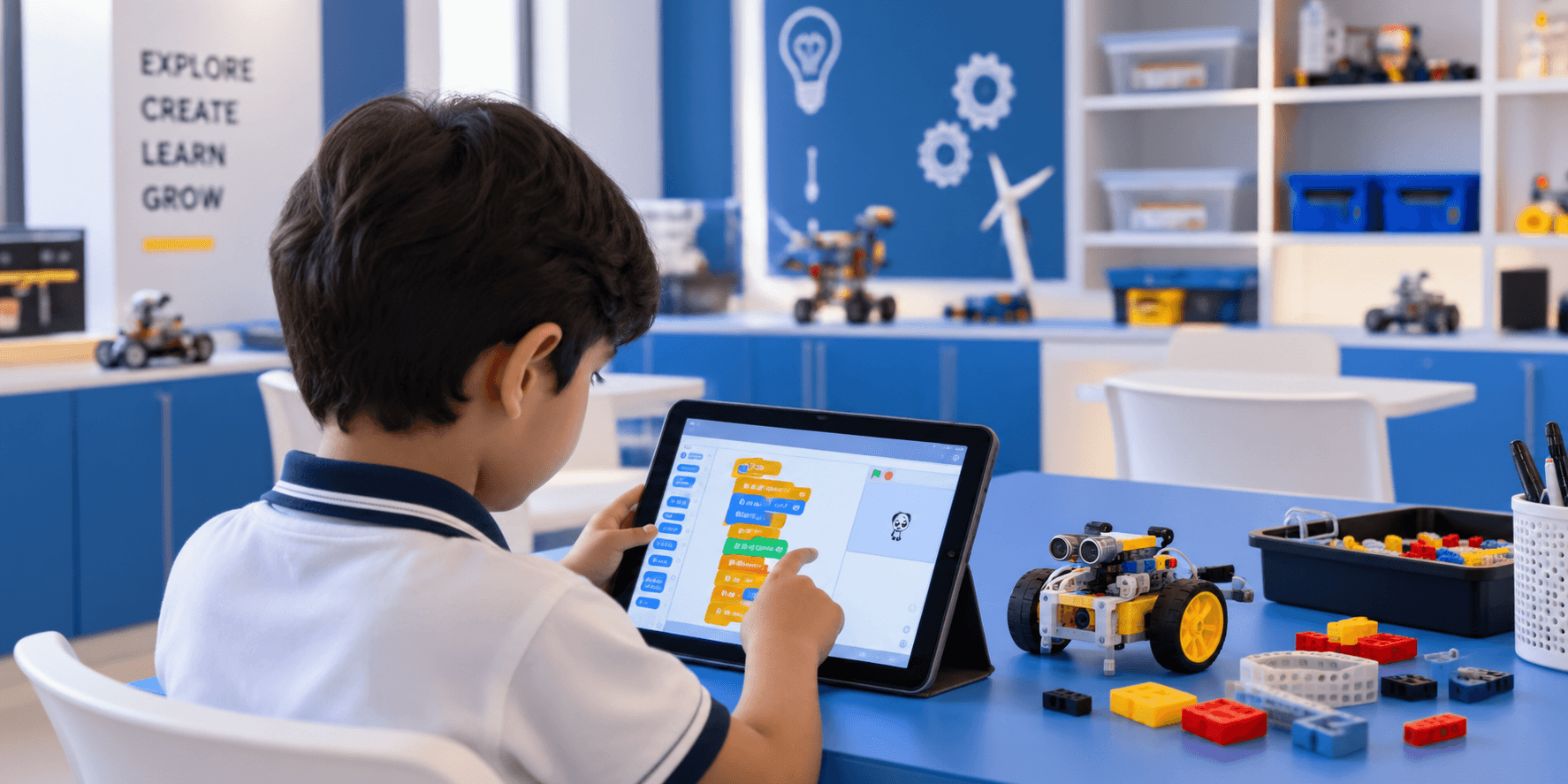
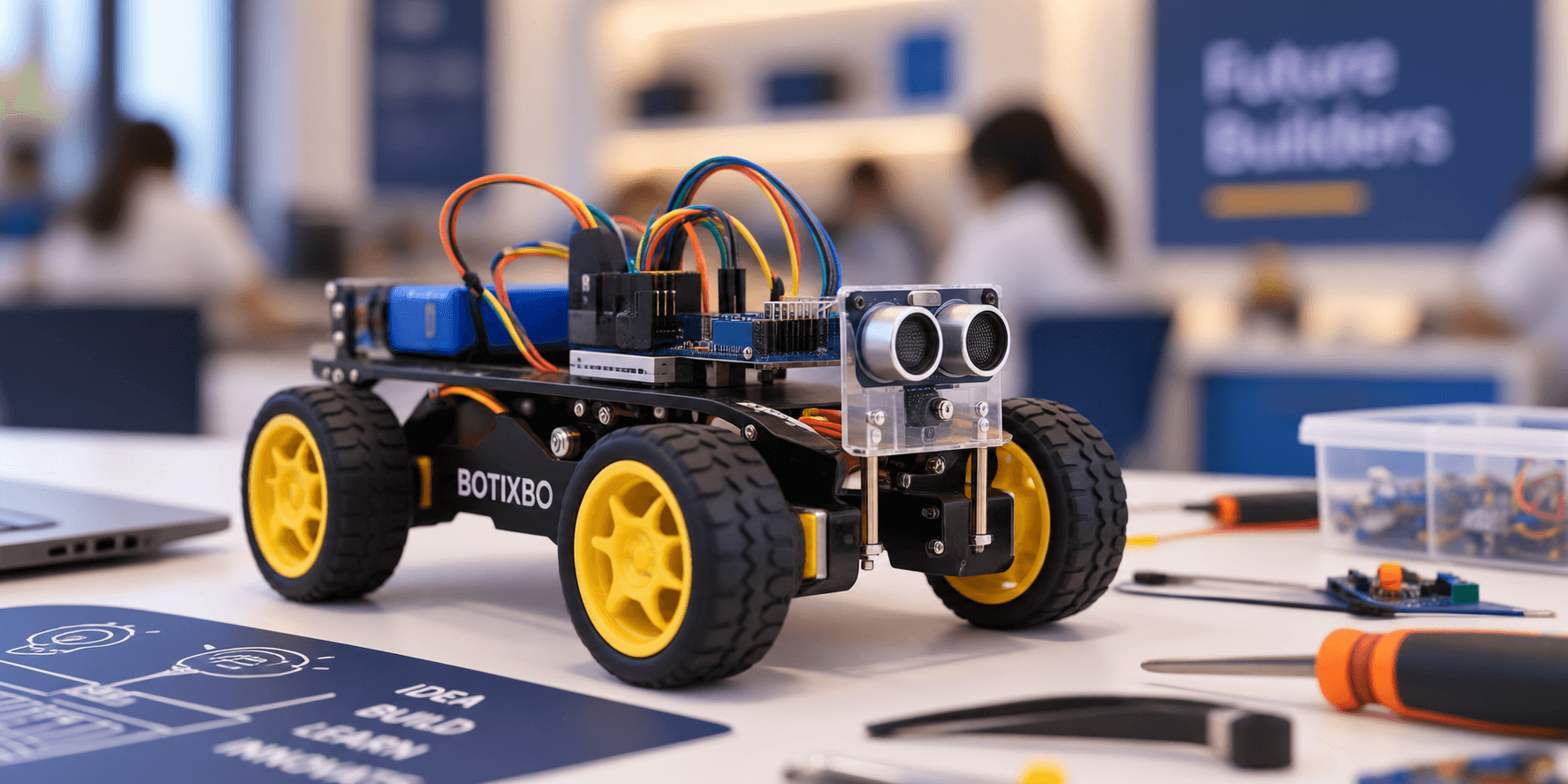
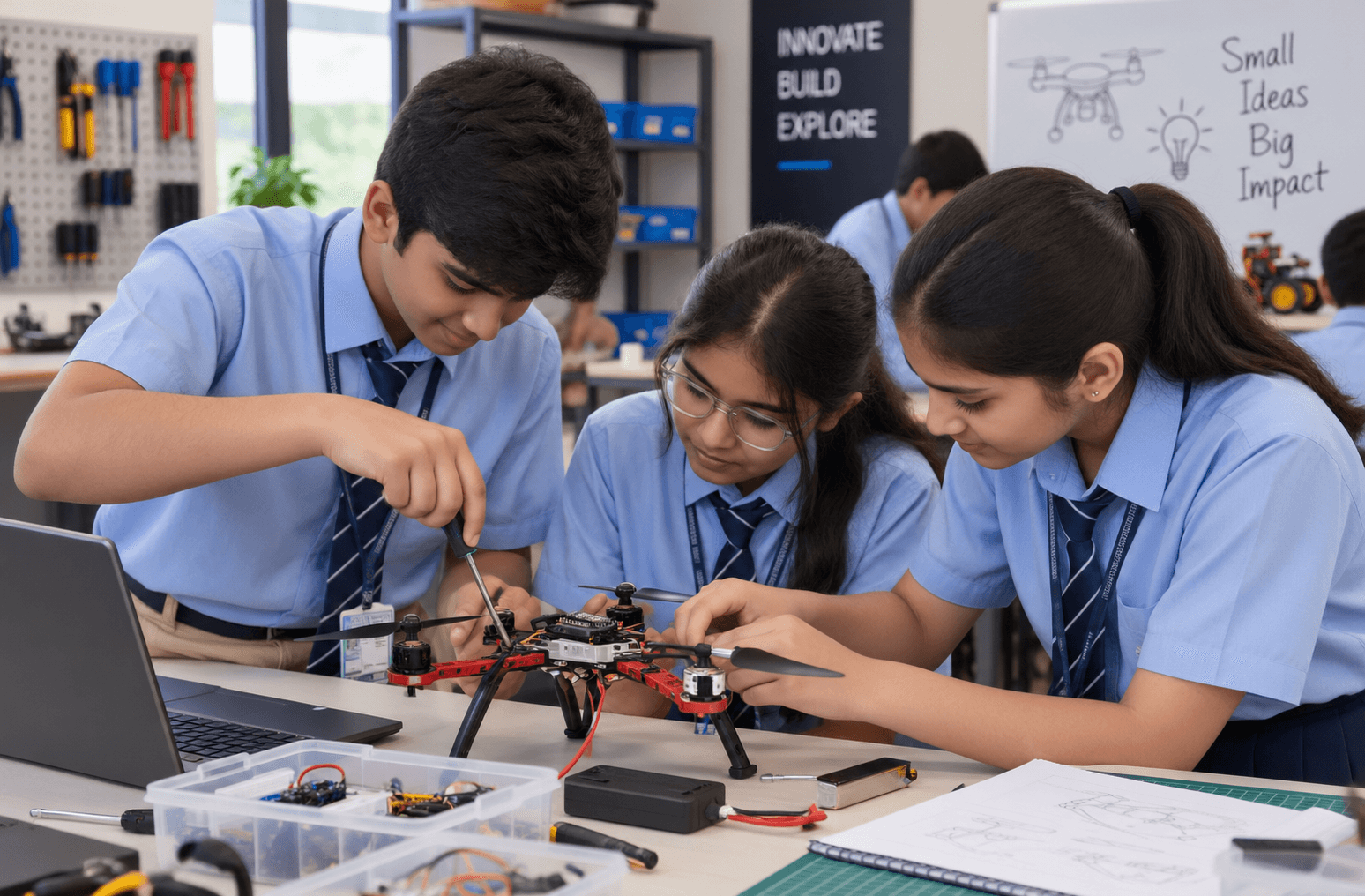
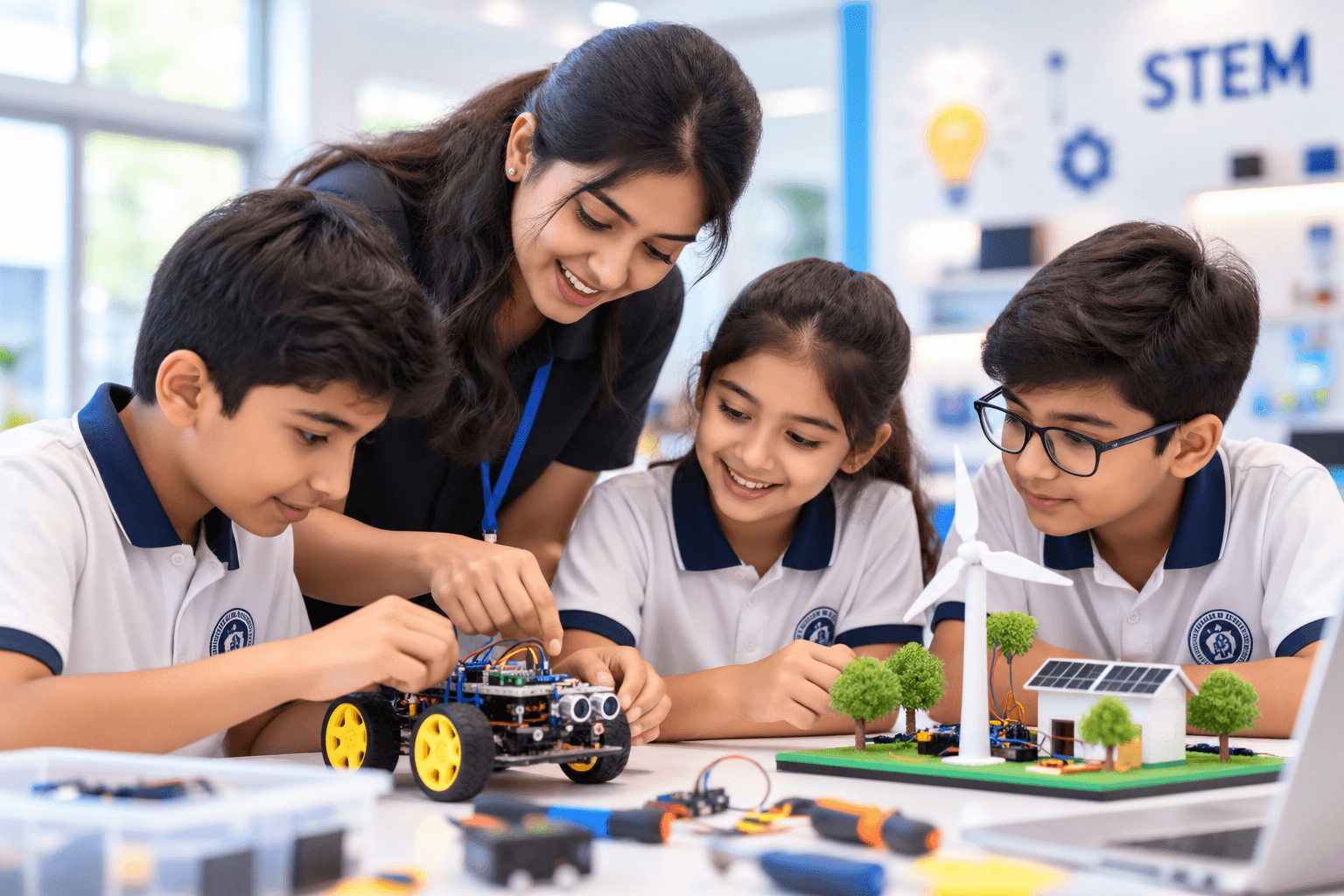
Younger students generally respond best to programs with a visible, physical outcome — something that moves, lights up or responds. Robotics, STEM and Drones tend to work well as entry points for that reason. Older students are usually ready for work with more abstract problem-solving and longer project cycles, which is where Artificial Intelligence, Coding, IoT and AR / VR / MR fit naturally.
Building a progression
A workable progression usually has three characteristics. It introduces one core discipline properly rather than sampling many; it gives students a reason to return to the lab across terms, not just once; and it leaves room for a project phase where students apply what they have learned to something of their own choosing.
- Start narrow. One program taught well establishes routines, teacher confidence and student interest.
- Extend by interest. Add a second program where you see genuine engagement, rather than following a fixed plan.
- Plan for continuity. Students who return to a subject across years build real capability; one-off exposure rarely does.
Fitting programs to your timetable
Programs can run as timetabled periods, as a club or activity block, or as concentrated workshops. Each has trade-offs: regular timetabled sessions build skills most reliably; clubs reach motivated students without competing for curriculum time; workshops suit schools testing interest before committing to a longer commitment.
What a program covers in practice varies with student age, available equipment, session length and how much time the school can allocate — so the right starting point is a conversation about your timetable and year groups rather than a fixed syllabus.